
Namedays and Birthdays8.6 - Google Play
You'll be able to see results in few seconds.
Publisher Description
With
Namedays and Birthdays
you can view the Saint of the day and see who among your contacts on the phone book.
The application contains a database of over
1600 Saints
constantly updated, with correspondences between the English names and the name of the saints (eg San Giuseppe matches with Joseph).
In the event that one or more of your contacts celebrate the nameday or birthday, the application displays a window with the names and last names of contacts with the ability to send a greetings message, make a phone call.
The application also controls which of the contacts celebrating a recurrence and sends the day and time configured a notification to the device with contact's list.
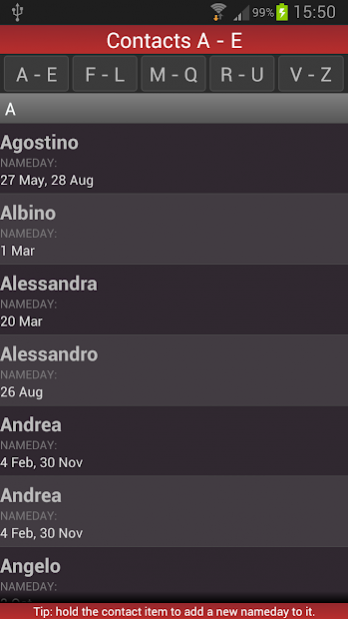
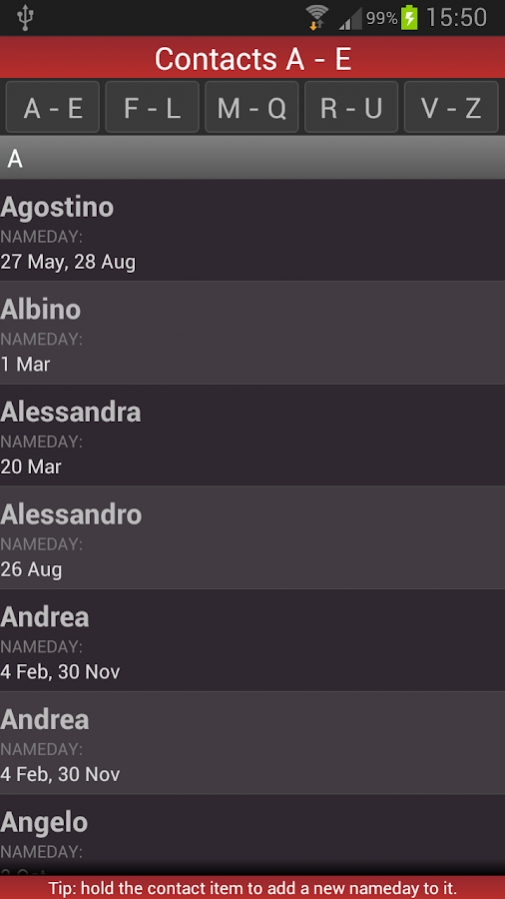
In addition, you can display your contact list and for each of them the date of his nameday, birthday and the anniversary and you can configure the name day of a contact if it is not already defined.
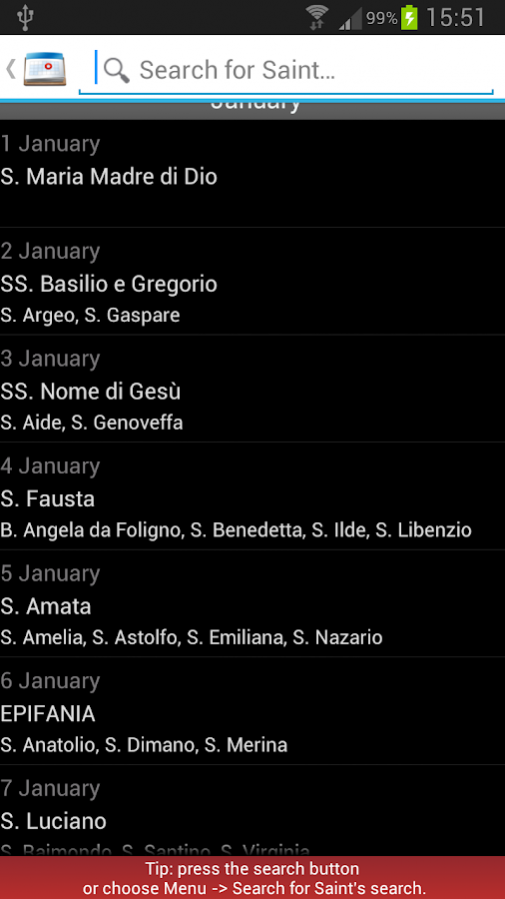
Finally, you can perform a keyword search on the name of the saint and, from the list of results, view the detail of the Saint selected with the date of the nameday and some curiosities obtained from a dedicated website.
To get an immediate look of the saint's day on the desktop of your device, you can put the widget called
Namedays
selected from the list of available widgets.
This widget shows today's date, the Saints and the number of events associated to contacts in the phone book. It updates automatically at midnight so as to always display the updated data, even in the case in which the phone always remains switched on.
NOTE FOR A RIGHT WIDGET FUNCTIONALITY.
New devices have optimized battery power consumption. By default, the device keeps almost all applications in power-saving mode. It means that some devices in the Background (Location, Alarm Manager) processes do not work as soon as they exit the app, while in some devices the background tasks will not work after a battery threshold limit (like 13%). So, you need to keep your application out of energy saving mode to run your application even in the background. You can do this for several manufacturers like...
HUAWEI
PROTECTED APP Settings --> Advanced Settings --> Battery --> Protected app: enable Onomastici e Compleanni Lite IGNORE BATTERY OPTIMIZATION (if present) "Settings" --> "App" --> "Advanced" --> "IGNORE BATTERY OPTIMIZATION" select app Onomastici and Compleanni Lite (show eventually all apps)
XIOMI
Battery -> Power -> App saver battery -> your app. Select No restriction, then Allow for background position. To start app automatically after boot -> Go to Security app -> authorisations -> Start automatically and control the application
SAMSUNG
Samsung Smart Manager app is used to finish all the background processes after 3 days if the app don't start. Disable this functionality for your app. Go to app -> Battery -> Details (App power saving panel) -> Disable
For any advice or problem use the form inside the app, or write an e-mail to android@araneum.it
About Namedays and Birthdays
The company that develops Namedays and Birthdays is Araneum Group srl Italy. The latest version released by its developer is 8.6.
To install Namedays and Birthdays on your Android device, just click the green Continue To App button above to start the installation process. The app is listed on our website since 2019-11-04 and was downloaded 0 times. We have already checked if the download link is safe, however for your own protection we recommend that you scan the downloaded app with your antivirus. Your antivirus may detect the Namedays and Birthdays as malware as malware if the download link to com.onomasticinew is broken.
How to install Namedays and Birthdays on your Android device:
- Click on the Continue To App button on our website. This will redirect you to Google Play.
- Once the Namedays and Birthdays is shown in the Google Play listing of your Android device, you can start its download and installation. Tap on the Install button located below the search bar and to the right of the app icon.
- A pop-up window with the permissions required by Namedays and Birthdays will be shown. Click on Accept to continue the process.
- Namedays and Birthdays will be downloaded onto your device, displaying a progress. Once the download completes, the installation will start and you'll get a notification after the installation is finished.
Program Details
System requirements
Download information
Pricing
Version History
version 8.6
posted on 2019-11-04
- Recognition of the namedays, even of female names.
- More font size choice for widgets.
- Open contact data from event's list window.
version 8.2
posted on 2019-06-28
Fixed issue menu color on Android 9.
version 7.6
posted on 2018-03-14
- Solved problem widget loading for Android Oreo (8)
- Updated Saint's database
version 7.1
posted on 2016-12-16
- ver. 7.1,• Resolved problem of visualization of changeLog.,• Exit application window eliminated.
version 1.8
posted on 1970-01-01
Several fixes and updates
Disclaimer
Official Google Play Link
We do not host Namedays and Birthdays on our servers. We did not scan it for viruses, adware, spyware or other type of malware. This app is hosted by Google and passed their terms and conditions to be listed there. We recommend caution when installing it.
The Google Play link for Namedays and Birthdays is provided to you by apps112.com without any warranties, representations or guarantees of any kind, so access it at your own risk.
If you have questions regarding this particular app contact the publisher directly. For questions about the functionalities of apps112.com contact us.
